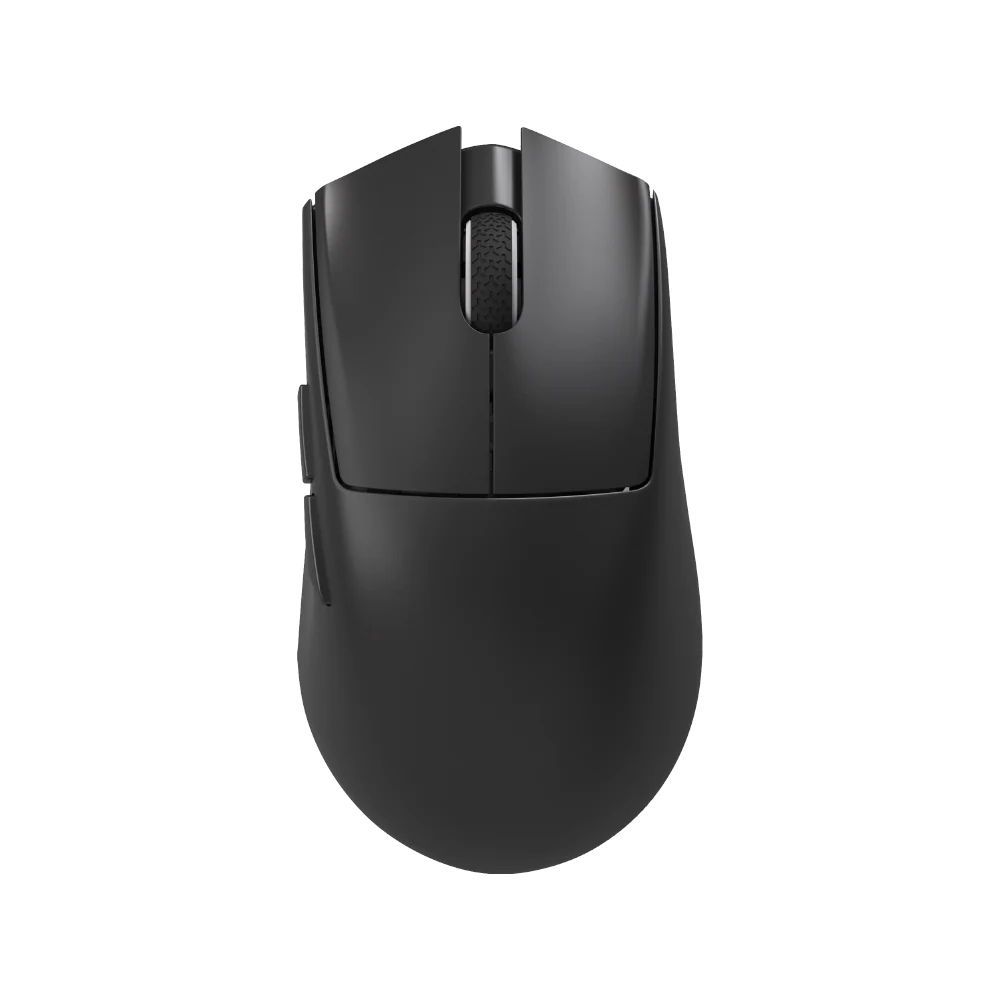
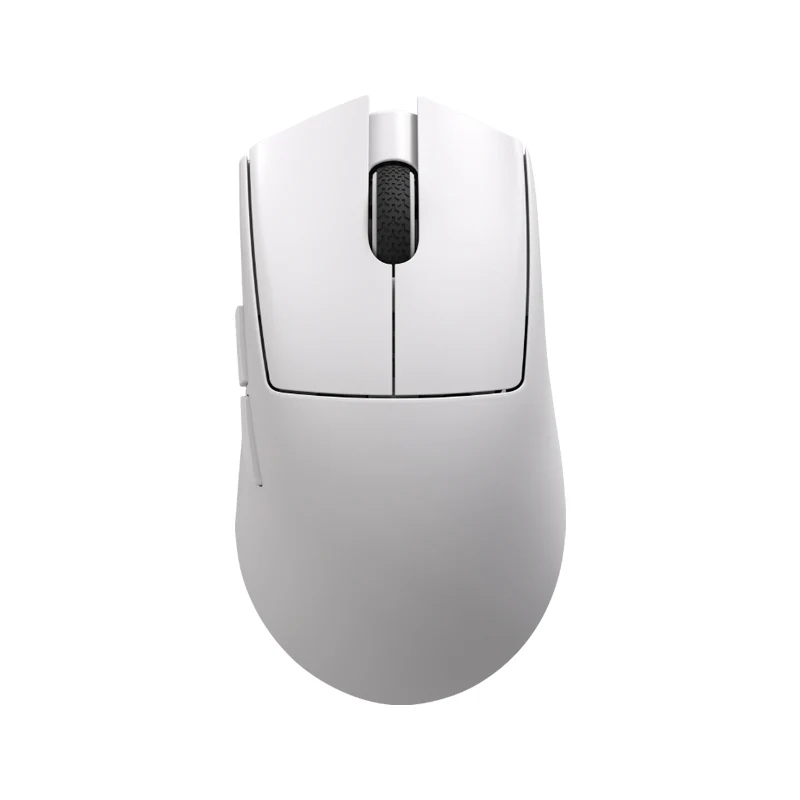
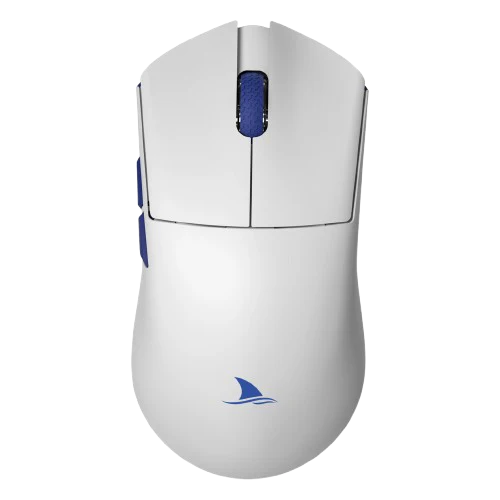
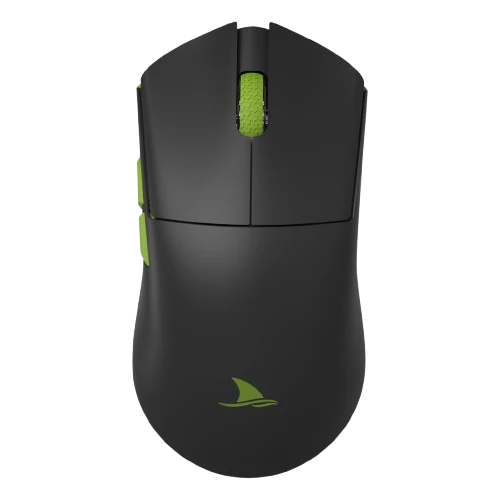
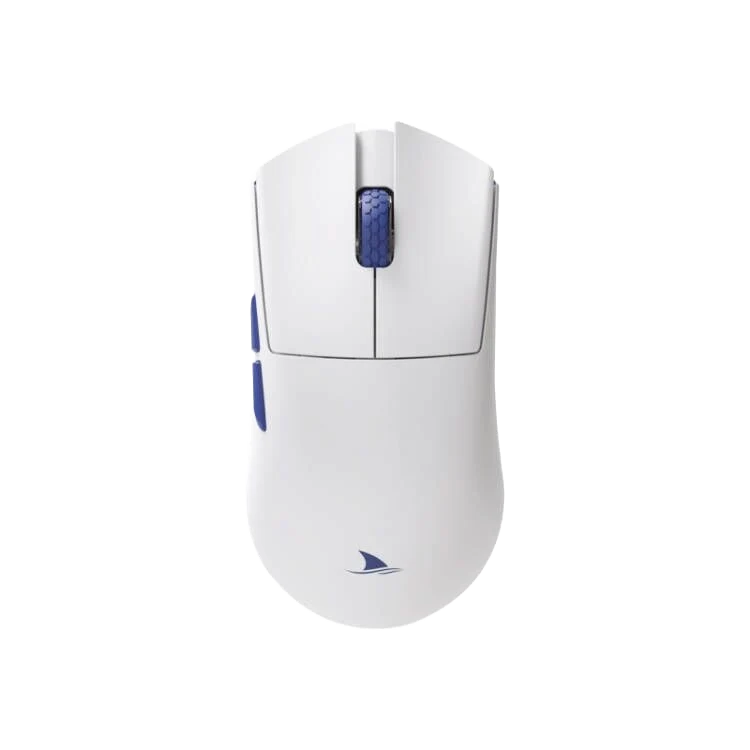
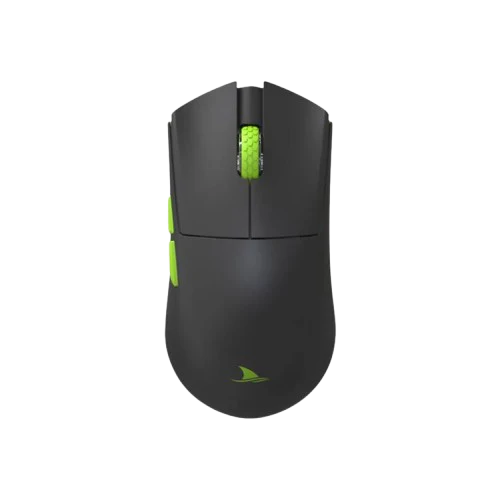
Darmoshark M5

M5 Tri-Mode Game Mouse Specifications
| Specification | Remark |
|---|---|
| Size | 91.71 * 57.47 * 35.75 mm |
| Number of Buttons | 7 |
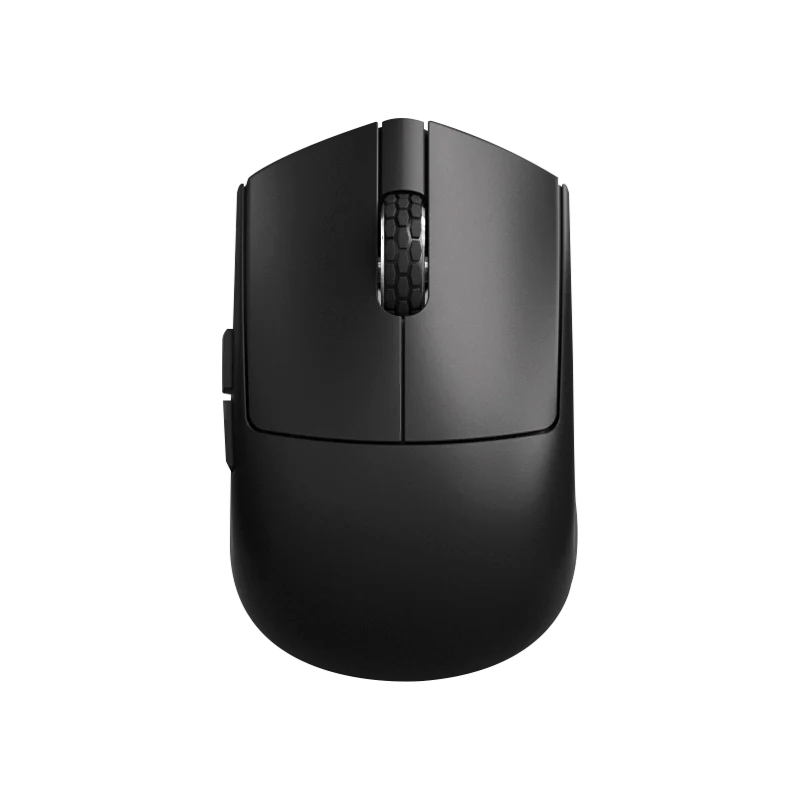
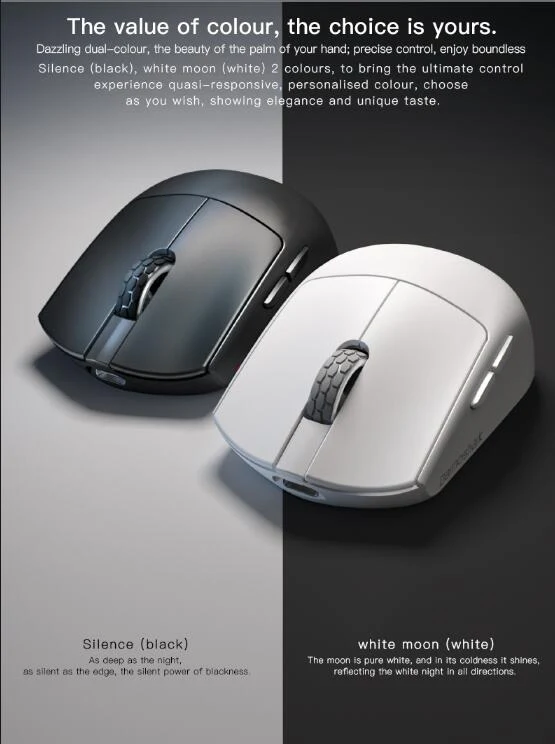
| Color | Black |
| Weight | Net weight 38 ± 2 g, Receiver 1.5 g |
| Shell Material | ABS |
| Leather Ring | Black Rubber |
| Foot Stickers | Teflon PTFE (white) |
| NANO Receiver | External |
| Left and Right Switch Operating Force | Kailh White Blade Micro Motion 65 ± 5 gf |
| Left and Right Switch Life | 100 million times |
| Middle Button Switch Operating Force | OMRON 63 ±10gf |
| Middle Button Switch Life | 20 million times |
| Side Button Switch Operating Force | Genuine TTC 70 ±10gf |
| Side Button Switch Life | 3 million times |
| 3D Button Operation Strength | 100 ± 20 gf (vertical force at the center of the mouse button) |
| Encoder | Genuine TTC Golden Wheel |
| Encoder Life | 2 million laps |
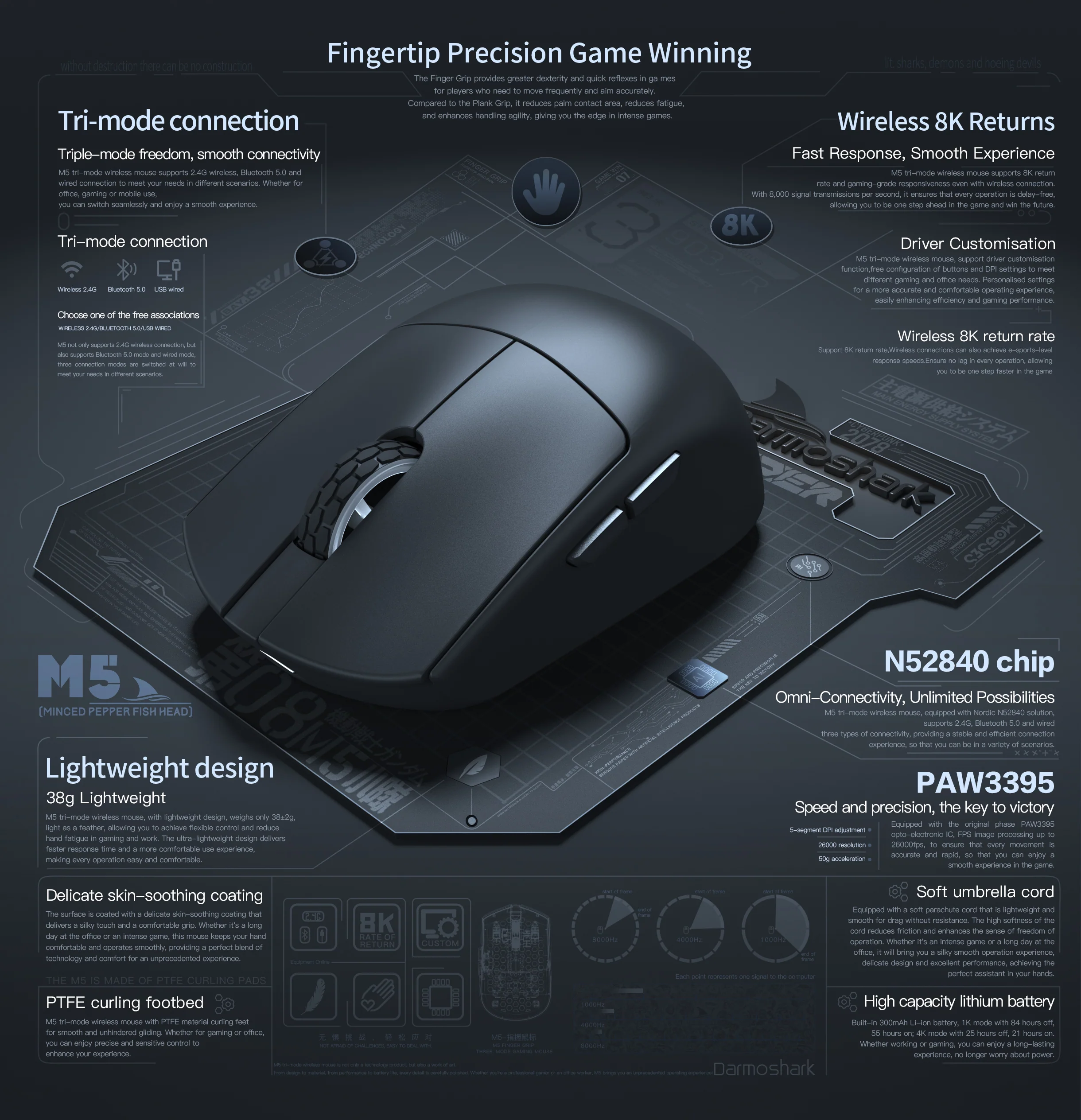
| Main Control IC | Nordic three-mode N52840 solution: 2.4G/Bluetooth 5.0/wired |
| Wire | Type-C data cable, five-core shielded with magnetic ring, braided flash rope |
| Cable Length | 1.5 m ± 1% |
| Interface | USB2.0 Type-C |
| Operating Temperature | -10℃—50℃ |
| Working Humidity | 10-90% RH |
| Operating Voltage | USB wired: DC 5V ± 5%, Wireless: DC 3.7V |
| Working Current | USB wired: < 50 mA, Wireless: Lights always on < 16 mA, no light < 14 mA |
| Lithium Battery | Capacity 300 mAh |
| 1K Battery Life | 84 hours with lights off, 55 hours with lights on |
| 4K Battery Life | 25 hours with lights off, 21 hours with lights on |
| Operating System | Wired and 2.4G mode: Win XP/Win7/Win8/Win10/Win11/MacOS; Bluetooth Mode: Win8/Win10/Win11/MacOS |
| Bottom Sensor Light | Infrared light |
| DPI / Polling Rate Indicator | Lights up for three seconds and then turns off |
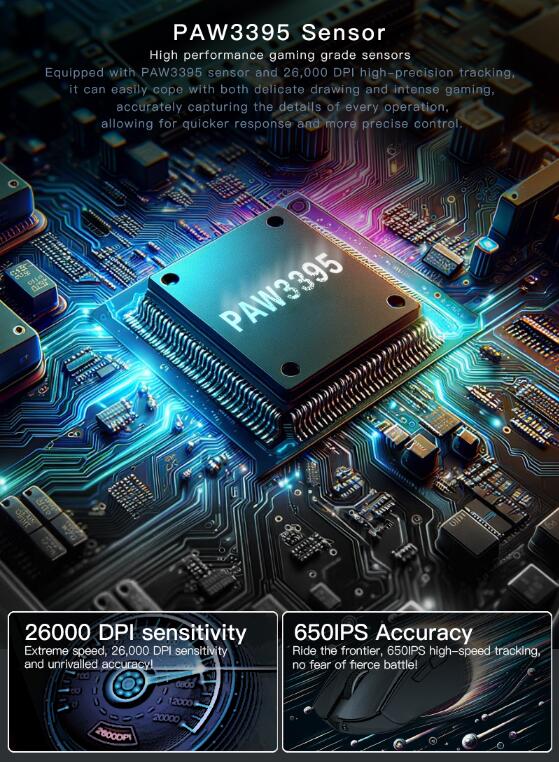
| Optoelectronic IC | PAW3395 |
| Maximum Resolution | 26000 DPI (driver configurable) |
| DPI Factory Default Setting | 5-stage DPI cycle adjustment: 400 red, 800 blue (default), 1600 green, 3200 purple, 4800 yellow |
| 2.4G Return Rate | Adjustable buttons: Red light 125Hz, blue light 500Hz (default), green light 1000Hz, purple light 2000Hz, yellow light 4000Hz |
| 2.4G SPI Sampling Time | Synchronous changes with the polling rate button adjustment: 8ms/2ms (default)/1ms/0.5ms/0.25ms |
| Wired Return Rate | Adjustable: Red light 125Hz, blue light 500Hz (default), green light 1000Hz |
| Wired SPI Sampling Time | Synchronous change with the polling rate button adjustment: 8ms/2ms (default)/1ms |
| Bluetooth Reporting Rate | Default 125Hz, not adjustable |
| FPS Image Processing | 26000 fps |
| Maximum Speed | 650 ips |
| Acceleration | 50g |
| Drive | Only supports Windows |
| Wireless Transmission Distance | Approximately 10 meters in an office environment |
| Computer Connection Method | Plug and play in wireless mode; wired mode takes priority when both are used simultaneously |
| Sleep Wake-up | Enters first sleep mode after 5 seconds, second sleep mode after 60 seconds; can be woken by clicking or moving |
| Charging Instructions | Indicator light solid red during charging; turns off or returns to light effect when fully charged (charging time: 2-3 hours) |
| Low Battery Indication | Flashes yellow when battery is low; requires charging for normal use (actual usage may vary) |
| 2.4G and Bluetooth Mode Indicator Lights | Green light for 2.4G (G icon) or blue light for Bluetooth (B icon) will stay on for three seconds and then turn off |
| Bluetooth Pairing Operation | Set switch to B icon, press left, middle, and right buttons; blue light flashes during pairing, then turns off when connected |
| 2.4G Pairing Operation | Set switch to G icon, press left, middle, and right buttons; green light flashes during pairing, then turns off when connected |
| Wired Mode | Wired mode is preferred when Type-C cable is connected |
| 1K and 4K Receiver Switch | Press middle and right buttons simultaneously for five seconds; white light flashes twice |
| Wheel Lighting Effect | Adjust with middle button + forward/backward: constant light, breathing, mixed color, off; color adjustment: red, blue, green, purple, orange, yellow, ice blue, white, mixed color |
Receiver Instructions: For optimal wireless performance, place the 4K receiver within 10 cm of the mouse to reduce latency and interference.
Note: The above images are for reference only; please refer to the actual product.
Product Information
Product Information
Shipping & Returns
Shipping & Returns

Darmoshark M5
Darmoshark M5
M5 Tri-Mode Game Mouse Specifications
| Specification | Remark |
|---|---|
| Size | 91.71 * 57.47 * 35.75 mm |
| Number of Buttons | 7 |
| Color | Black |
| Weight | Net weight 38 ± 2 g, Receiver 1.5 g |
| Shell Material | ABS |
| Leather Ring | Black Rubber |
| Foot Stickers | Teflon PTFE (white) |
| NANO Receiver | External |
| Left and Right Switch Operating Force | Kailh White Blade Micro Motion 65 ± 5 gf |
| Left and Right Switch Life | 100 million times |
| Middle Button Switch Operating Force | OMRON 63 ±10gf |
| Middle Button Switch Life | 20 million times |
| Side Button Switch Operating Force | Genuine TTC 70 ±10gf |
| Side Button Switch Life | 3 million times |
| 3D Button Operation Strength | 100 ± 20 gf (vertical force at the center of the mouse button) |
| Encoder | Genuine TTC Golden Wheel |
| Encoder Life | 2 million laps |
| Main Control IC | Nordic three-mode N52840 solution: 2.4G/Bluetooth 5.0/wired |
| Wire | Type-C data cable, five-core shielded with magnetic ring, braided flash rope |
| Cable Length | 1.5 m ± 1% |
| Interface | USB2.0 Type-C |
| Operating Temperature | -10℃—50℃ |
| Working Humidity | 10-90% RH |
| Operating Voltage | USB wired: DC 5V ± 5%, Wireless: DC 3.7V |
| Working Current | USB wired: < 50 mA, Wireless: Lights always on < 16 mA, no light < 14 mA |
| Lithium Battery | Capacity 300 mAh |
| 1K Battery Life | 84 hours with lights off, 55 hours with lights on |
| 4K Battery Life | 25 hours with lights off, 21 hours with lights on |
| Operating System | Wired and 2.4G mode: Win XP/Win7/Win8/Win10/Win11/MacOS; Bluetooth Mode: Win8/Win10/Win11/MacOS |
| Bottom Sensor Light | Infrared light |
| DPI / Polling Rate Indicator | Lights up for three seconds and then turns off |
| Optoelectronic IC | PAW3395 |
| Maximum Resolution | 26000 DPI (driver configurable) |
| DPI Factory Default Setting | 5-stage DPI cycle adjustment: 400 red, 800 blue (default), 1600 green, 3200 purple, 4800 yellow |
| 2.4G Return Rate | Adjustable buttons: Red light 125Hz, blue light 500Hz (default), green light 1000Hz, purple light 2000Hz, yellow light 4000Hz |
| 2.4G SPI Sampling Time | Synchronous changes with the polling rate button adjustment: 8ms/2ms (default)/1ms/0.5ms/0.25ms |
| Wired Return Rate | Adjustable: Red light 125Hz, blue light 500Hz (default), green light 1000Hz |
| Wired SPI Sampling Time | Synchronous change with the polling rate button adjustment: 8ms/2ms (default)/1ms |
| Bluetooth Reporting Rate | Default 125Hz, not adjustable |
| FPS Image Processing | 26000 fps |
| Maximum Speed | 650 ips |
| Acceleration | 50g |
| Drive | Only supports Windows |
| Wireless Transmission Distance | Approximately 10 meters in an office environment |
| Computer Connection Method | Plug and play in wireless mode; wired mode takes priority when both are used simultaneously |
| Sleep Wake-up | Enters first sleep mode after 5 seconds, second sleep mode after 60 seconds; can be woken by clicking or moving |
| Charging Instructions | Indicator light solid red during charging; turns off or returns to light effect when fully charged (charging time: 2-3 hours) |
| Low Battery Indication | Flashes yellow when battery is low; requires charging for normal use (actual usage may vary) |
| 2.4G and Bluetooth Mode Indicator Lights | Green light for 2.4G (G icon) or blue light for Bluetooth (B icon) will stay on for three seconds and then turn off |
| Bluetooth Pairing Operation | Set switch to B icon, press left, middle, and right buttons; blue light flashes during pairing, then turns off when connected |
| 2.4G Pairing Operation | Set switch to G icon, press left, middle, and right buttons; green light flashes during pairing, then turns off when connected |
| Wired Mode | Wired mode is preferred when Type-C cable is connected |
| 1K and 4K Receiver Switch | Press middle and right buttons simultaneously for five seconds; white light flashes twice |
| Wheel Lighting Effect | Adjust with middle button + forward/backward: constant light, breathing, mixed color, off; color adjustment: red, blue, green, purple, orange, yellow, ice blue, white, mixed color |
Receiver Instructions: For optimal wireless performance, place the 4K receiver within 10 cm of the mouse to reduce latency and interference.
Note: The above images are for reference only; please refer to the actual product.
Select Color
From $52.32
Darmoshark M5—
$52.32
Product Information
Product Information
Shipping & Returns
Shipping & Returns
Description
M5 Tri-Mode Game Mouse Specifications
| Specification | Remark |
|---|---|
| Size | 91.71 * 57.47 * 35.75 mm |
| Number of Buttons | 7 |
| Color | Black |
| Weight | Net weight 38 ± 2 g, Receiver 1.5 g |
| Shell Material | ABS |
| Leather Ring | Black Rubber |
| Foot Stickers | Teflon PTFE (white) |
| NANO Receiver | External |
| Left and Right Switch Operating Force | Kailh White Blade Micro Motion 65 ± 5 gf |
| Left and Right Switch Life | 100 million times |
| Middle Button Switch Operating Force | OMRON 63 ±10gf |
| Middle Button Switch Life | 20 million times |
| Side Button Switch Operating Force | Genuine TTC 70 ±10gf |
| Side Button Switch Life | 3 million times |
| 3D Button Operation Strength | 100 ± 20 gf (vertical force at the center of the mouse button) |
| Encoder | Genuine TTC Golden Wheel |
| Encoder Life | 2 million laps |
| Main Control IC | Nordic three-mode N52840 solution: 2.4G/Bluetooth 5.0/wired |
| Wire | Type-C data cable, five-core shielded with magnetic ring, braided flash rope |
| Cable Length | 1.5 m ± 1% |
| Interface | USB2.0 Type-C |
| Operating Temperature | -10℃—50℃ |
| Working Humidity | 10-90% RH |
| Operating Voltage | USB wired: DC 5V ± 5%, Wireless: DC 3.7V |
| Working Current | USB wired: < 50 mA, Wireless: Lights always on < 16 mA, no light < 14 mA |
| Lithium Battery | Capacity 300 mAh |
| 1K Battery Life | 84 hours with lights off, 55 hours with lights on |
| 4K Battery Life | 25 hours with lights off, 21 hours with lights on |
| Operating System | Wired and 2.4G mode: Win XP/Win7/Win8/Win10/Win11/MacOS; Bluetooth Mode: Win8/Win10/Win11/MacOS |
| Bottom Sensor Light | Infrared light |
| DPI / Polling Rate Indicator | Lights up for three seconds and then turns off |
| Optoelectronic IC | PAW3395 |
| Maximum Resolution | 26000 DPI (driver configurable) |
| DPI Factory Default Setting | 5-stage DPI cycle adjustment: 400 red, 800 blue (default), 1600 green, 3200 purple, 4800 yellow |
| 2.4G Return Rate | Adjustable buttons: Red light 125Hz, blue light 500Hz (default), green light 1000Hz, purple light 2000Hz, yellow light 4000Hz |
| 2.4G SPI Sampling Time | Synchronous changes with the polling rate button adjustment: 8ms/2ms (default)/1ms/0.5ms/0.25ms |
| Wired Return Rate | Adjustable: Red light 125Hz, blue light 500Hz (default), green light 1000Hz |
| Wired SPI Sampling Time | Synchronous change with the polling rate button adjustment: 8ms/2ms (default)/1ms |
| Bluetooth Reporting Rate | Default 125Hz, not adjustable |
| FPS Image Processing | 26000 fps |
| Maximum Speed | 650 ips |
| Acceleration | 50g |
| Drive | Only supports Windows |
| Wireless Transmission Distance | Approximately 10 meters in an office environment |
| Computer Connection Method | Plug and play in wireless mode; wired mode takes priority when both are used simultaneously |
| Sleep Wake-up | Enters first sleep mode after 5 seconds, second sleep mode after 60 seconds; can be woken by clicking or moving |
| Charging Instructions | Indicator light solid red during charging; turns off or returns to light effect when fully charged (charging time: 2-3 hours) |
| Low Battery Indication | Flashes yellow when battery is low; requires charging for normal use (actual usage may vary) |
| 2.4G and Bluetooth Mode Indicator Lights | Green light for 2.4G (G icon) or blue light for Bluetooth (B icon) will stay on for three seconds and then turn off |
| Bluetooth Pairing Operation | Set switch to B icon, press left, middle, and right buttons; blue light flashes during pairing, then turns off when connected |
| 2.4G Pairing Operation | Set switch to G icon, press left, middle, and right buttons; green light flashes during pairing, then turns off when connected |
| Wired Mode | Wired mode is preferred when Type-C cable is connected |
| 1K and 4K Receiver Switch | Press middle and right buttons simultaneously for five seconds; white light flashes twice |
| Wheel Lighting Effect | Adjust with middle button + forward/backward: constant light, breathing, mixed color, off; color adjustment: red, blue, green, purple, orange, yellow, ice blue, white, mixed color |
Receiver Instructions: For optimal wireless performance, place the 4K receiver within 10 cm of the mouse to reduce latency and interference.
Note: The above images are for reference only; please refer to the actual product.