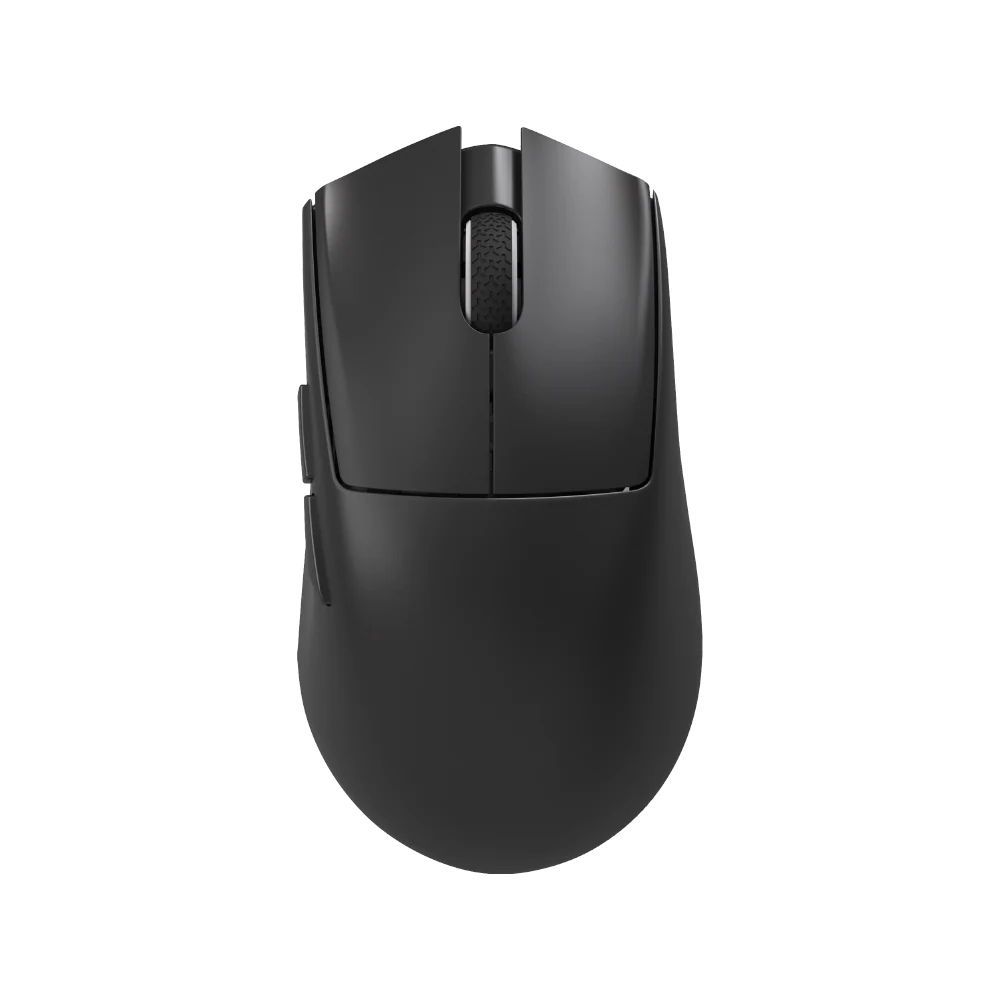
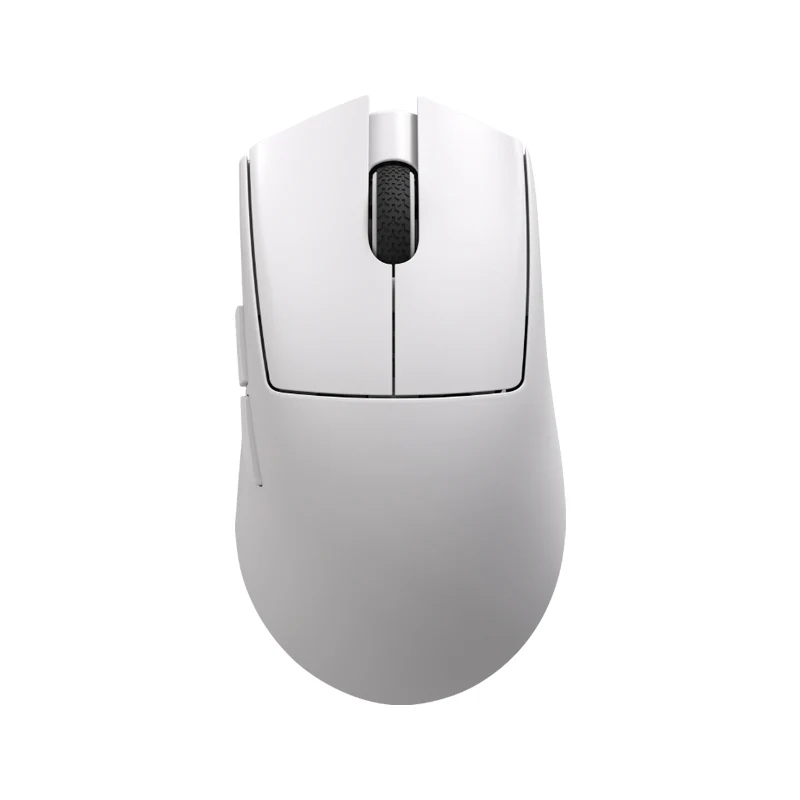
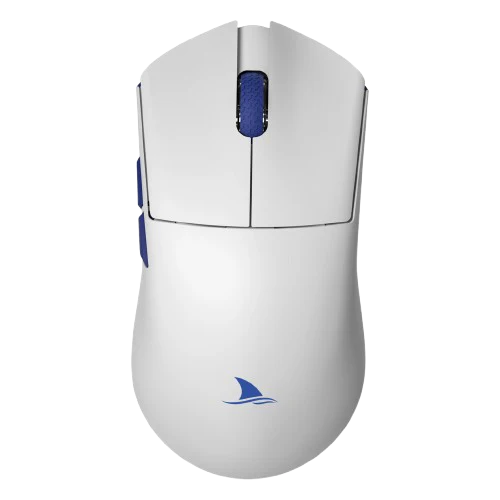
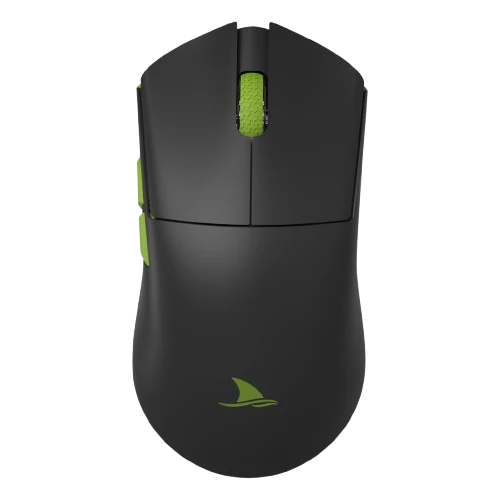
Darmoshark K8


K8 RGB Mechanical Keyboard Specifications
| Specification | Details |
|---|---|
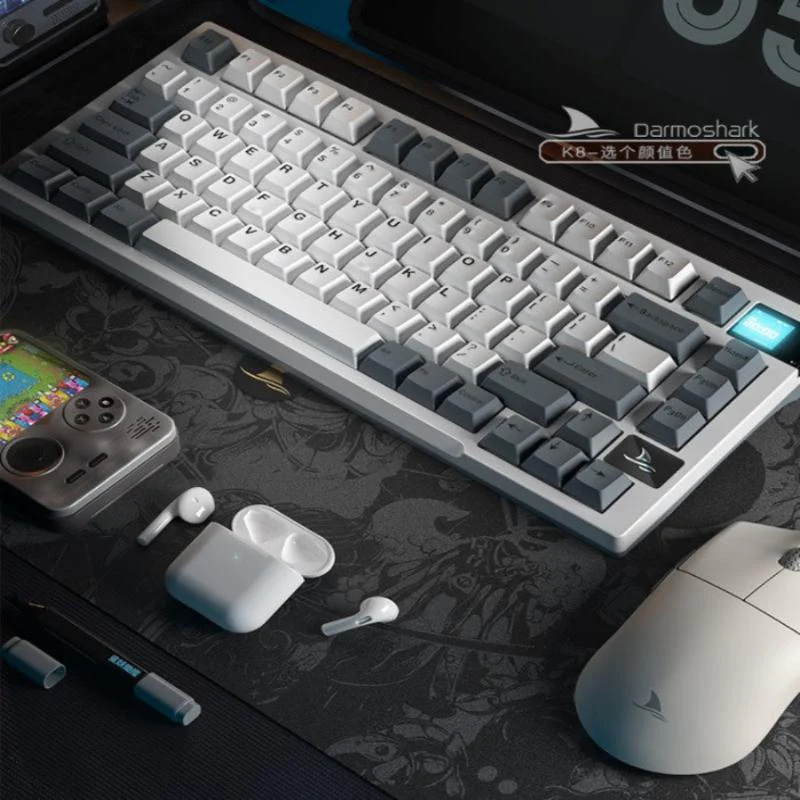
| Product Size | 333mm (L) × 143.7mm (W) × 41.3mm (H) |
| Body Weight | 942 ± 20G |
| Operating Life | 50,000,000 key presses |
| Type-C Data Cable | 1.80M ± 1% shielded with magnetic ring |
| Keyboard Type | High keycap ladder design |
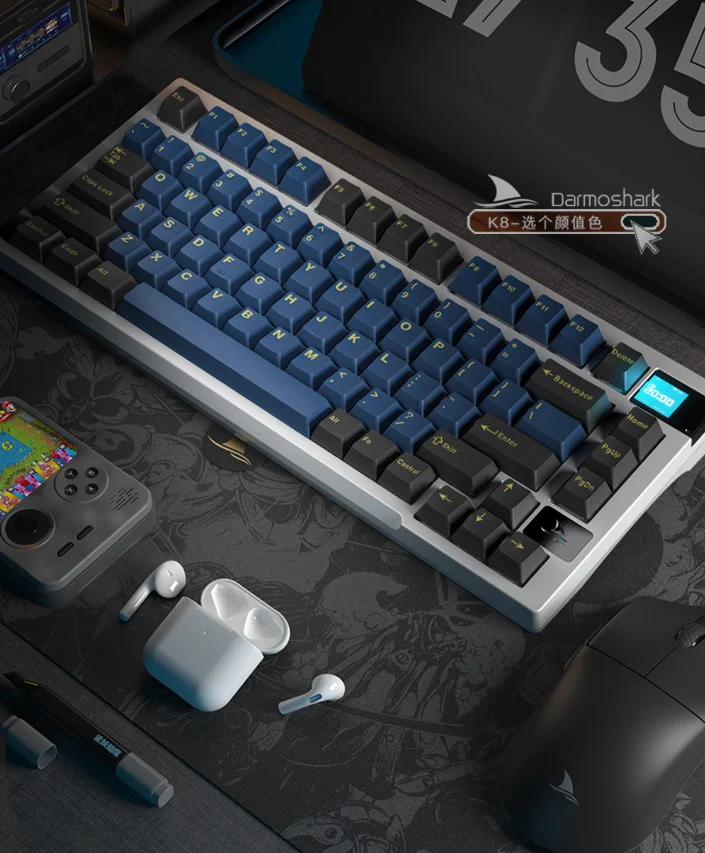
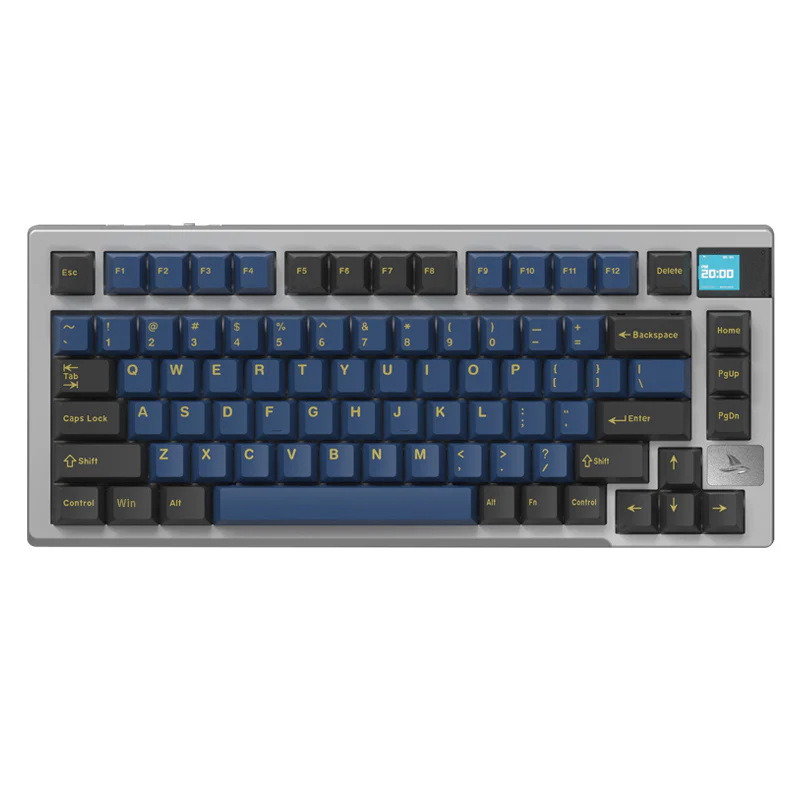
| Number of Keys | 81 keys |
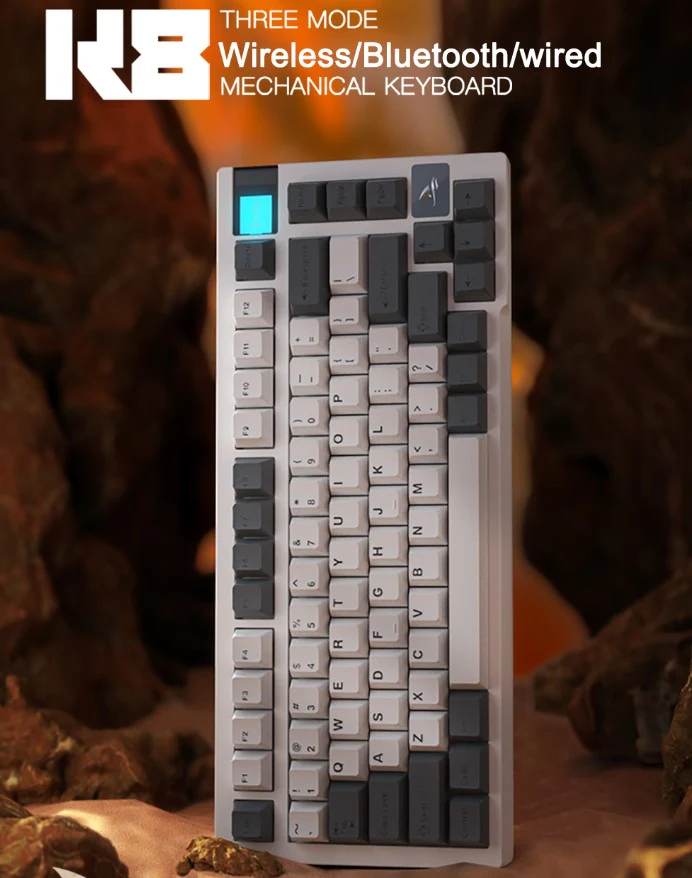
| Computer Connection | Wired/Wireless (supports full key rollover) |
| System Support | Compatible with Windows 2000 and above, Mac OS; BLE supports WIN8 or above |
| Interface Type | USB 2.0 |
| Drive | Supports Windows system |
| Wired Mode Voltage | DC 5V ± 5% |
| Wired Mode Current | Maximum 300mA |
| Wired Mode Switch | OFF position for USB status display |
| Bluetooth/2.4G Voltage | DC 3.7V ± 5% |
| Bluetooth/2.4G Current | White light always on: max 492mA, default light: 294mA, light off: 42mA |
| Lithium Battery Capacity | 4000mAh / 14.8WH |
| Battery Life (Wireless Mode) | With white light: ~8 hours (continuous), ~16 hours (interval); Default light: ~13 hours (continuous), ~26 hours (interval); Light off: ~95 hours (continuous), ~190 hours (interval) |
| Wireless Mode Switching | 2.4G mode (G position), Bluetooth mode (B position) |
| 2.4G Pairing | FN + Y: Green light flashes quickly for pairing |
| Bluetooth Pairing | FN + E/R/T: Blue light flashes quickly for pairing; Supports switching between 3 Bluetooth channels |
| Wireless Hibernation | Backlight turns off after 2 minutes of inactivity, enters sleep mode after 30 minutes |
| Charging Indication | Battery icon on display indicates charging; stops when fully charged |
| Battery Indicator | Red prompt for low battery |
| Color Display Function | Supports GIF dynamic/static images through driver; up to 5 static images or 1 GIF animation |
| System Switching | FN + Right Ctrl key: Switch between Win and Mac systems |
| WIN System Functions | Volume control, media playback, screen brightness adjustments, etc. |
| MAC System Functions | Media control, mission control, volume adjustments, etc. |
| Custom Light Recording | FN + U/I/O/P to select, FN + | to record custom light colors |
| Troubleshooting | Check USB connection, try different ports/computers; restart computer if necessary |
Keyboard Not Working and Troubleshooting:
- Ensure the USB cable is securely connected to the computer.
- Try connecting the keyboard to a different USB port.
- Restart your computer.
- If the issue persists, connect the keyboard to another computer to rule out hardware problems.
Note: The images provided are for reference; please refer to the actual product for accurate details
Product Information
Product Information
Shipping & Returns
Shipping & Returns
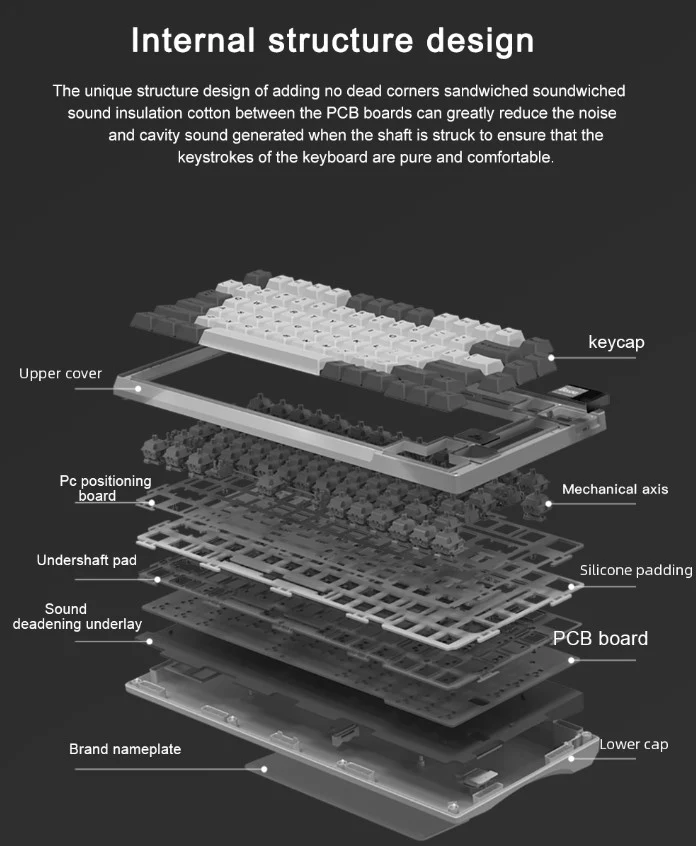
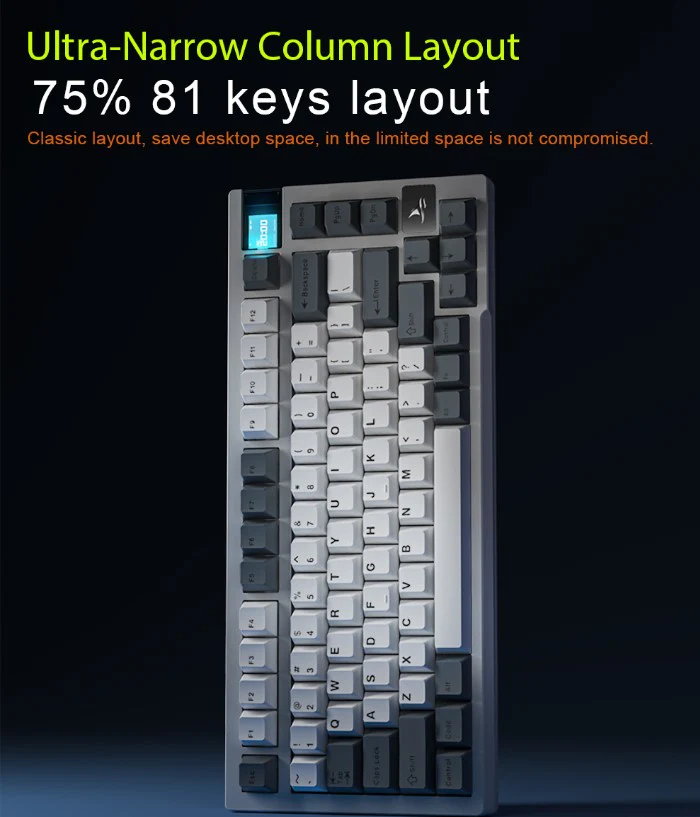
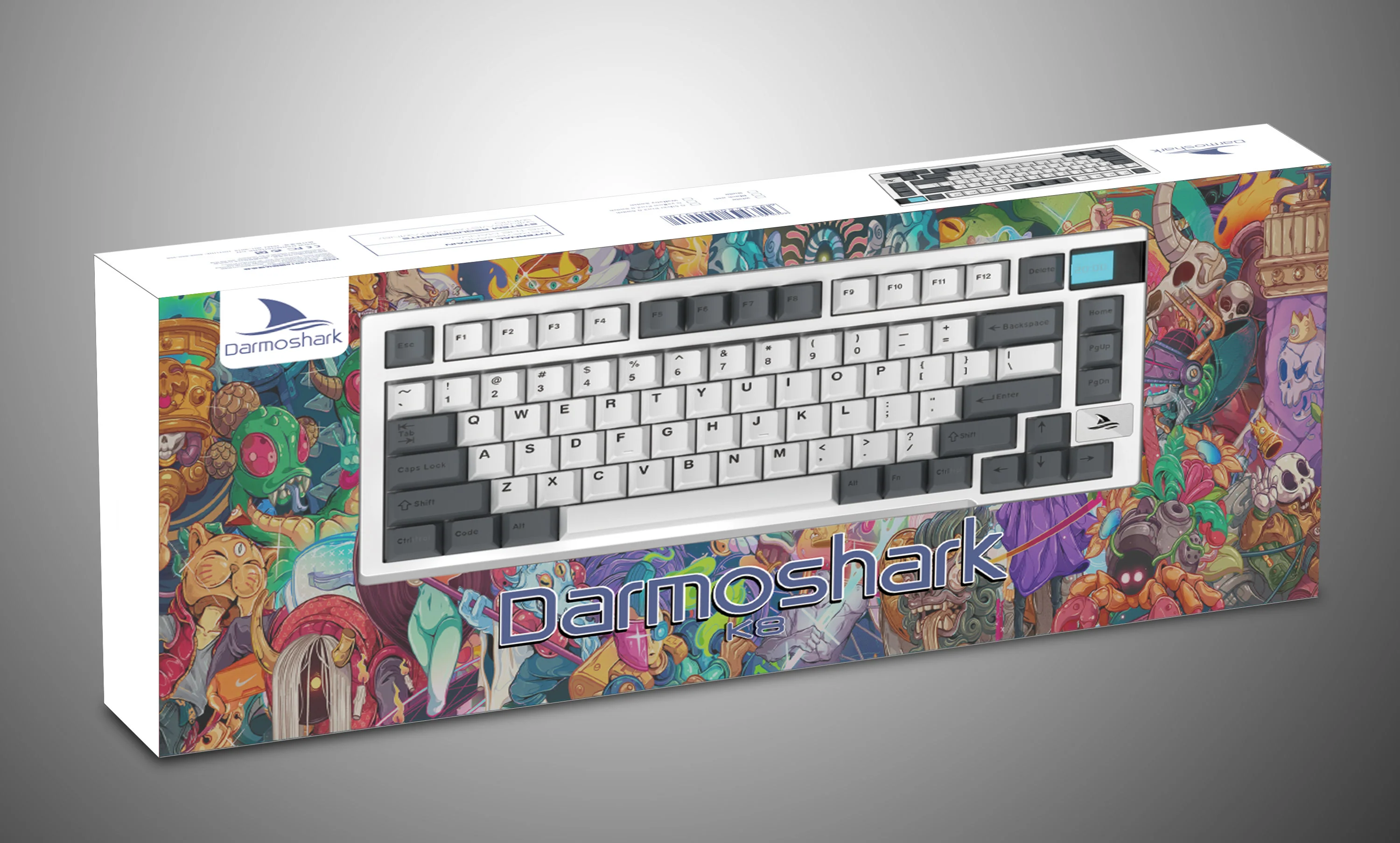
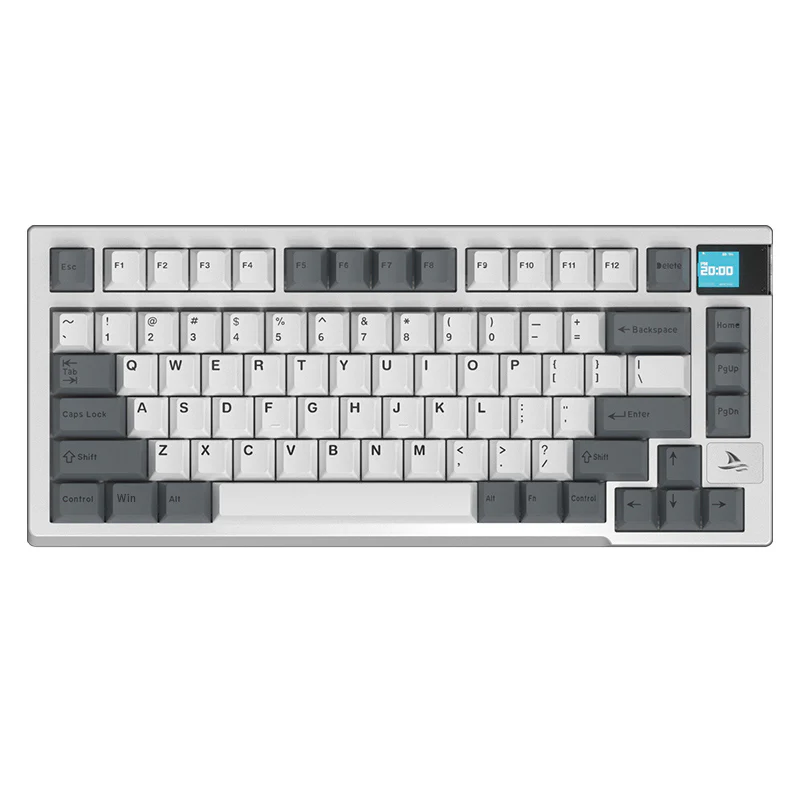
Darmoshark K8
Darmoshark K8
K8 RGB Mechanical Keyboard Specifications
| Specification | Details |
|---|---|
| Product Size | 333mm (L) × 143.7mm (W) × 41.3mm (H) |
| Body Weight | 942 ± 20G |
| Operating Life | 50,000,000 key presses |
| Type-C Data Cable | 1.80M ± 1% shielded with magnetic ring |
| Keyboard Type | High keycap ladder design |
| Number of Keys | 81 keys |
| Computer Connection | Wired/Wireless (supports full key rollover) |
| System Support | Compatible with Windows 2000 and above, Mac OS; BLE supports WIN8 or above |
| Interface Type | USB 2.0 |
| Drive | Supports Windows system |
| Wired Mode Voltage | DC 5V ± 5% |
| Wired Mode Current | Maximum 300mA |
| Wired Mode Switch | OFF position for USB status display |
| Bluetooth/2.4G Voltage | DC 3.7V ± 5% |
| Bluetooth/2.4G Current | White light always on: max 492mA, default light: 294mA, light off: 42mA |
| Lithium Battery Capacity | 4000mAh / 14.8WH |
| Battery Life (Wireless Mode) | With white light: ~8 hours (continuous), ~16 hours (interval); Default light: ~13 hours (continuous), ~26 hours (interval); Light off: ~95 hours (continuous), ~190 hours (interval) |
| Wireless Mode Switching | 2.4G mode (G position), Bluetooth mode (B position) |
| 2.4G Pairing | FN + Y: Green light flashes quickly for pairing |
| Bluetooth Pairing | FN + E/R/T: Blue light flashes quickly for pairing; Supports switching between 3 Bluetooth channels |
| Wireless Hibernation | Backlight turns off after 2 minutes of inactivity, enters sleep mode after 30 minutes |
| Charging Indication | Battery icon on display indicates charging; stops when fully charged |
| Battery Indicator | Red prompt for low battery |
| Color Display Function | Supports GIF dynamic/static images through driver; up to 5 static images or 1 GIF animation |
| System Switching | FN + Right Ctrl key: Switch between Win and Mac systems |
| WIN System Functions | Volume control, media playback, screen brightness adjustments, etc. |
| MAC System Functions | Media control, mission control, volume adjustments, etc. |
| Custom Light Recording | FN + U/I/O/P to select, FN + | to record custom light colors |
| Troubleshooting | Check USB connection, try different ports/computers; restart computer if necessary |
Keyboard Not Working and Troubleshooting:
- Ensure the USB cable is securely connected to the computer.
- Try connecting the keyboard to a different USB port.
- Restart your computer.
- If the issue persists, connect the keyboard to another computer to rule out hardware problems.
Note: The images provided are for reference; please refer to the actual product for accurate details
Select Color
From $19.41
Original: $55.46
-65%Darmoshark K8—
$55.46
$19.41Product Information
Product Information
Shipping & Returns
Shipping & Returns
Description
K8 RGB Mechanical Keyboard Specifications
| Specification | Details |
|---|---|
| Product Size | 333mm (L) × 143.7mm (W) × 41.3mm (H) |
| Body Weight | 942 ± 20G |
| Operating Life | 50,000,000 key presses |
| Type-C Data Cable | 1.80M ± 1% shielded with magnetic ring |
| Keyboard Type | High keycap ladder design |
| Number of Keys | 81 keys |
| Computer Connection | Wired/Wireless (supports full key rollover) |
| System Support | Compatible with Windows 2000 and above, Mac OS; BLE supports WIN8 or above |
| Interface Type | USB 2.0 |
| Drive | Supports Windows system |
| Wired Mode Voltage | DC 5V ± 5% |
| Wired Mode Current | Maximum 300mA |
| Wired Mode Switch | OFF position for USB status display |
| Bluetooth/2.4G Voltage | DC 3.7V ± 5% |
| Bluetooth/2.4G Current | White light always on: max 492mA, default light: 294mA, light off: 42mA |
| Lithium Battery Capacity | 4000mAh / 14.8WH |
| Battery Life (Wireless Mode) | With white light: ~8 hours (continuous), ~16 hours (interval); Default light: ~13 hours (continuous), ~26 hours (interval); Light off: ~95 hours (continuous), ~190 hours (interval) |
| Wireless Mode Switching | 2.4G mode (G position), Bluetooth mode (B position) |
| 2.4G Pairing | FN + Y: Green light flashes quickly for pairing |
| Bluetooth Pairing | FN + E/R/T: Blue light flashes quickly for pairing; Supports switching between 3 Bluetooth channels |
| Wireless Hibernation | Backlight turns off after 2 minutes of inactivity, enters sleep mode after 30 minutes |
| Charging Indication | Battery icon on display indicates charging; stops when fully charged |
| Battery Indicator | Red prompt for low battery |
| Color Display Function | Supports GIF dynamic/static images through driver; up to 5 static images or 1 GIF animation |
| System Switching | FN + Right Ctrl key: Switch between Win and Mac systems |
| WIN System Functions | Volume control, media playback, screen brightness adjustments, etc. |
| MAC System Functions | Media control, mission control, volume adjustments, etc. |
| Custom Light Recording | FN + U/I/O/P to select, FN + | to record custom light colors |
| Troubleshooting | Check USB connection, try different ports/computers; restart computer if necessary |
Keyboard Not Working and Troubleshooting:
- Ensure the USB cable is securely connected to the computer.
- Try connecting the keyboard to a different USB port.
- Restart your computer.
- If the issue persists, connect the keyboard to another computer to rule out hardware problems.
Note: The images provided are for reference; please refer to the actual product for accurate details